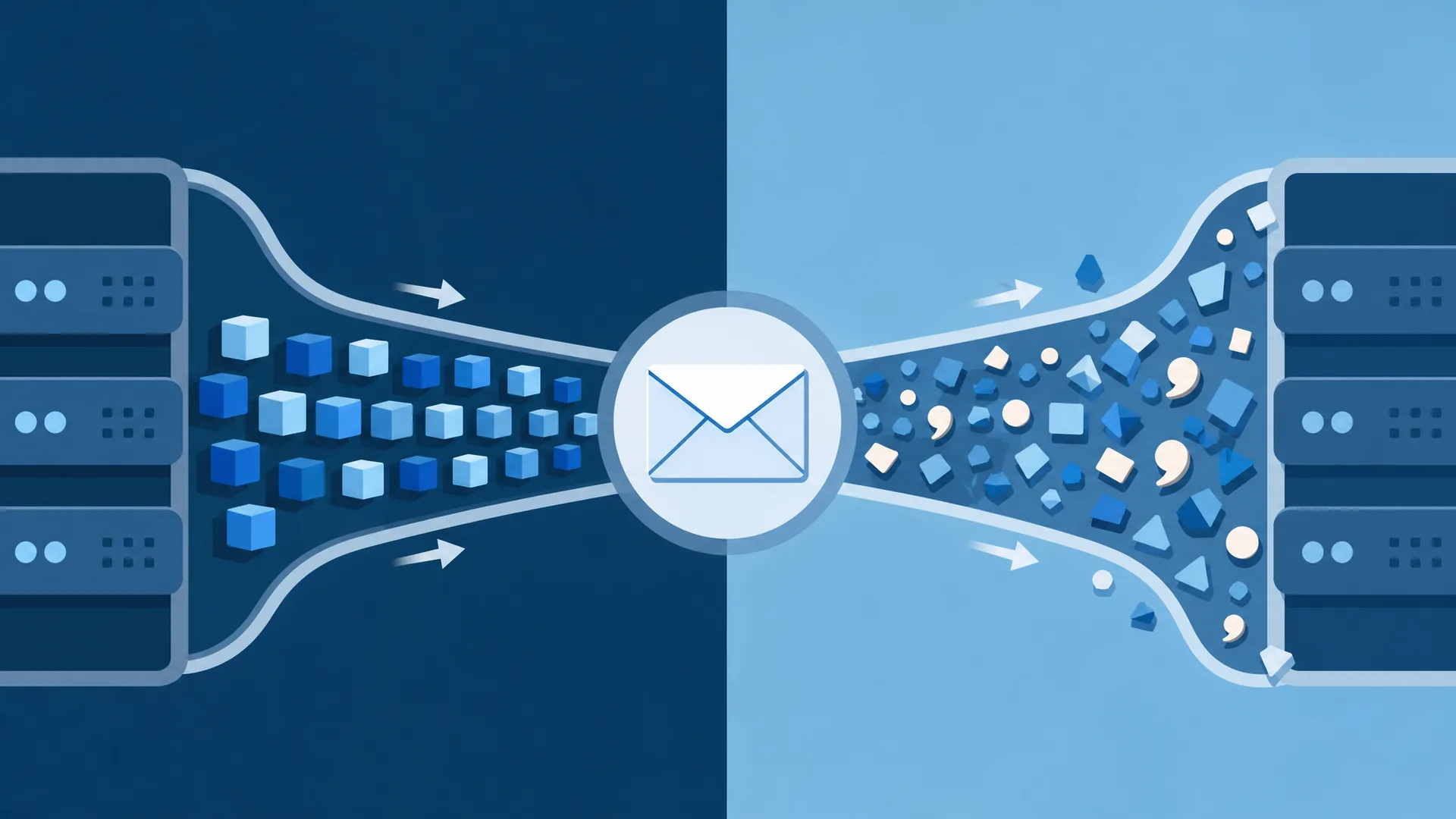
Every message that survives a modern mail gateway carries a header block full of machinery most users never see. Buried in that block, usually just above the Received chain, sits a line that does more forensic work than any other single field: Authentication-Results. This article is the email authentication results header explained end to end, the token grammar, the trust rules, and how to read one without guessing.
What the Authentication-Results Header Actually Is
Authentication-Results is a machine-readable summary that a receiving mail server writes into a message after it runs SPF, DKIM, and DMARC checks. It's defined formally by RFC 8601, which obsoletes RFC 7601 — itself the successor to RFC 7001, which upgraded the original experimental RFC 5451 to Standards Track. Older mail systems sometimes still partially follow one of these earlier links in the chain. The header exists so downstream software, filters, security gateways, forensic tools, you, doesn't have to re-run authentication checks. It just reads the verdict.
Nobody but the receiving MTA adds this header under normal circumstances. Your mail server checks the envelope sender against SPF records, validates the DKIM signature, evaluates DMARC alignment, and stamps the result as plain text before handing the message to your inbox.
Where it sits in the header block
Authentication-Results lives near the top of the header stack, typically added right after the message arrives at your trusted mail exchanger, before any internal routing. It sits alongside Received, Return-Path, and Message-ID, part of the envelope-and-transport layer rather than the content the sender wrote. If you're new to parsing that whole block, reading the full header block to diagnose delivery failures is worth doing before you go deeper here.
Why mail clients never show you this by default
Gmail, Outlook, and Apple Mail all hide raw headers because the average user has no use for a string like dkim=pass header.d=example.com. But for anyone doing email security header fields analysis, spam investigation, phishing triage, deliverability debugging, this header is often the single fastest source of truth in the message. You have to go looking for it: "Show original" in Gmail, "View source" in Outlook, or a raw .eml export anywhere else.
Anatomy of the Authentication-Results Header Tokens
Here's a real-shaped specimen to dissect:
Authentication-Results: mx.google.com;
       dkim=pass header.i=@example.com header.s=selector1 header.b=abc123;
       spf=pass (google.com: domain of bounce@example.com designates 203.0.113.5 as permitted sender) smtp.mailfrom=bounce@example.com;
       dmarc=pass (p=REJECT sp=REJECT dis=NONE) header.from=example.com
Every piece of that line has a name and a job.
The authserv-id header explained
The first token, before the semicolon, is the authserv-id, the identifier of the server that performed the checks. In the example above, that's mx.google.com. Gmail's authserv-id typically reads mx.google.com, while Microsoft 365 stamps its own domain-based identifier instead. This token matters enormously for trust, which is why it gets its own section further down.
Method=result pairs and their reason codes
After the authserv-id, you get a semicolon-separated list of method=result pairs, dkim=pass, spf=pass, dmarc=pass, sometimes arc=pass or dkim=fail. RFC 8601 defines a fixed vocabulary of results per method: pass, fail, softfail, neutral, none, temperror, permerror. The parenthetical text after a result, like (google.com: domain of bounce@example.com designates 203.0.113.5 as permitted sender), is a free-text comment explaining the reason, not part of the formal grammar. It's there for humans, not parsers.
Property tags: smtp.mailfrom, header.d, header.from
Each method result is followed by one or more ptype.property=value tags that say exactly what was checked. smtp.mailfrom shows the envelope sender SPF was evaluated against. header.d and header.i show the domain and identity from the DKIM signature. header.from shows the visible From-domain that DMARC aligned against. These property tags let you cross-reference results, confirming, for example, that the domain DKIM signed for actually matches the domain in the visible From header, which is the whole basis of DMARC alignment.
Reading spf=pass, dkim=pass, and dmarc=fail in Context
A single header block can show mixed results, and often does. That's normal, and it's exactly the kind of nuance a raw pass/fail summary hides.
Consider email header spf=pass alongside email header dkim=pass: both individual protocols verified successfully. SPF confirmed the sending IP is authorized for the envelope domain. DKIM confirmed the signature cryptographically matches and hasn't been tampered with in transit. Neither one, on its own, says anything about the domain the recipient actually sees in their inbox.
That's DMARC's job, and it's why email header dmarc=fail can show up even when both underlying checks passed.
Why results can disagree across signals
SPF and DKIM authenticate different things. SPF authenticates the envelope sender (smtp.mailfrom), which the recipient never sees. DKIM authenticates whichever domain signed the message (header.d), which may or may not match the visible From address. A message forwarded through a mailing list, for instance, can pass SPF for the list's own domain while carrying a From address for a totally different one. Individually, spf=pass and dkim=pass are both true and both somewhat beside the point.
What dmarc=fail with spf=pass really means for alignment
DMARC doesn't just check whether SPF or DKIM passed. It checks whether the passing identity is aligned with the visible From-domain (header.from). If SPF passes for bounce.thirdparty.com but the visible From address is billing@yourbank.com, DMARC fails on alignment even though SPF technically passed. That gap is precisely how a lot of spoofing attempts slip past naive filtering: individual protocols pass, but the domain the human reads doesn't match what was actually verified. For a deeper look at that mechanic, how SPF, DKIM, and DMARC actually work together covers the underlying protocol logic this article intentionally doesn't repeat. If you're staring at a live dmarc=fail and need a concrete remediation path, troubleshooting a DMARC failure using this header walks through the diagnostic steps.
Multiple Authentication-Results Headers and Vendor Variants
Open a raw header block from a forwarded or relayed message and you may see two, three, or more Authentication-Results headers stacked on top of each other. That's expected behavior, not a bug or a red flag by itself.
A message relayed through three hops can carry three separate Authentication-Results headers, each stamped by a different MTA. Each hop runs its own checks against whatever it received and adds its own verdict, without removing the ones already present. Only the header added by your own trusted receiving server should ever be treated as authoritative. The others are historical record, useful for tracing, not for making a security decision.
This is also the exact problem ARC, the Authenticated Received Chain, was designed to solve: preserving original authentication results across forwarding hops that would otherwise break SPF or DMARC alignment. Understanding how ARC preserves authentication results across forwarding hops helps explain why some multi-hop messages still authenticate cleanly at the final destination.
X-Google-DKIM-Signature and other vendor-specific headers
You'll also encounter provider-specific headers that ride alongside the standard fields. X-Google-DKIM-Signature, for instance, is Gmail's internal signing header, distinct from the standard DKIM-Signature header, used for Google's own infrastructure-level signing rather than the sender's domain signature. It's not part of RFC 8601 and it doesn't replace the standard Authentication-Results verdict; it's an additional data point specific to Google's mail pipeline.
policy.applied and other Gmail/Microsoft extensions
Gmail and Microsoft 365 both extend the base RFC 8601 grammar with their own tags. Gmail sometimes appends a policy.applied value showing which DMARC policy tier it actually enforced for a given message, as opposed to what the domain's DNS record requests. Microsoft's stack adds its own compliance and spam-confidence tags in adjacent headers like X-Microsoft-Antispam. None of these are interchangeable across providers. A policy.applied field means nothing to a Postfix server that never generates one. Email Decoded's header analysis chapter dissects real Authentication-Results blocks from Gmail, Outlook, and self-hosted Postfix relays specifically to show how the same RFC 8601 grammar gets extended differently by each provider.
The Header Trust Boundary: When to Trust Upstream Results
Here's the part most explainers skip entirely: this header can be forged. Anything written into a message before it reaches your own receiving server is, technically, just text an earlier hop typed in. Nothing stops a malicious or misconfigured relay from inserting a fake Authentication-Results: mx.google.com; spf=pass; dkim=pass; dmarc=pass line designed to fool a human reader or a lazy filter.
That's the header trust boundary in one sentence: an Authentication-Results header is only as trustworthy as the server that added it and your ability to confirm your own infrastructure was the one that added it.
Verifying the authserv-id against your own receiving MTA
The practical check is simple. Look at the authserv-id token and confirm it matches your own organization's receiving mail server, the one you actually control and trust, not one somewhere upstream in the delivery chain. If your mail flows through Google Workspace, you expect to see mx.google.com. If it flows through your own Postfix box, you expect your own hostname. Mismatched or missing authserv-id values are a common tell in forged headers, and a properly configured receiving MTA should strip any pre-existing Authentication-Results headers from outside sources before adding its own, precisely to prevent this kind of spoofing.
Signs of a spoofed Authentication-Results header
Watch for an authserv-id that doesn't match any server in your trusted delivery path, results that appear before the actual Received header showing your MTA's involvement, or a header block with no accompanying DKIM signature backing up a claimed dkim=pass. Any of these should push you toward manual verification rather than trusting the printed verdict. For a full method on chasing forged fields across a multi-hop message, tracing forged fields across the full delivery path covers the forensic workflow in detail.
A Practical Playbook for Reading Authentication Headers
When you're reading authentication headers under time pressure, an incident, a phishing report, a deliverability ticket, work through them in a fixed order rather than skimming.
- Find the topmost Authentication-Results header. It was added last, by the server closest to you in the delivery chain, usually the one you trust.
- Check the authserv-id. Confirm it matches your own receiving infrastructure, not an unfamiliar upstream relay.
- Read each method=result pair. Note spf, dkim, dmarc individually before drawing any conclusion.
- Cross-reference the property tags. Compare
smtp.mailfrom,header.d, andheader.fromto see whether the domains actually align. - Check for policy.applied or vendor extensions. These tell you what action the receiving system actually took, not just what it detected.
- Count the Authentication-Results headers. More than one means multiple hops. Trust only the outermost, trusted one.
- Scan for DKIM-adjacent vendor headers like X-Google-DKIM-Signature for extra corroboration, not as a substitute for the standard verdict.
Step-by-step annotated walkthrough of a raw header block
Take the earlier specimen apart using that sequence. authserv-id is mx.google.com, matches expected Gmail infrastructure. dkim=pass with header.i=@example.com, the signing domain matches. spf=pass with smtp.mailfrom=bounce@example.com, envelope sender authorized. dmarc=pass with header.from=example.com, the visible From-domain aligns with both underlying checks. Every property tag points at the same domain, the authserv-id matches the expected receiving platform, and there's only one Authentication-Results header present. That's a clean, trustworthy result, the kind you're hoping to see and worth learning to recognize instantly.
Not every message will be that tidy. A dkim=fail buried in an otherwise clean-looking block deserves its own investigation, why a DKIM signature verification might fail covers the common causes, from broken key rotation to a relay that altered the message body in transit.
Reading the Authentication-Results header well is less about memorizing every token and more about knowing which ones actually matter for the decision in front of you. The grammar is fixed by RFC 8601, but real-world mail systems layer their own extensions on top constantly. That's exactly why a structured reference, rather than a quick glance, pays off the first time a spoofed message almost gets past you.